August Update: Native 2D Physics Engine, Terrain, 9-slice sprites, multi-pass rendering and more...

Since 0.21.0, Forge has gone from "renders sprites and moves them around" to
"simulates a physical world." This post rounds up everything that's shipped
since then.
A native 2D physics engine

As we move further towards our goal of being a zero-dependency game engine for the web, we decided to replace
MatterJS
, that we used for initial design, with a native 2D physics implementation in
version 0.21.0 of Forge. Matter.js is a powerful, mature engine, and reaching
the same feature parity and stability will take some time - but every release
will help close that gap, and we're confident we're headed in the right
direction.
The Forge physics engine brings a lot of the tools you would come to expect;
RigidBody
and
PhysicsWorld
gives you gravity, convex collision shapes, collision detection, raycasting, and an impulse-based force API - all with zero external dependencies, wired straight into the ECS. Check out the
Physics demo
to see bodies falling, colliding, and settling in real time.
Joints, springs, and motors and other fun toys
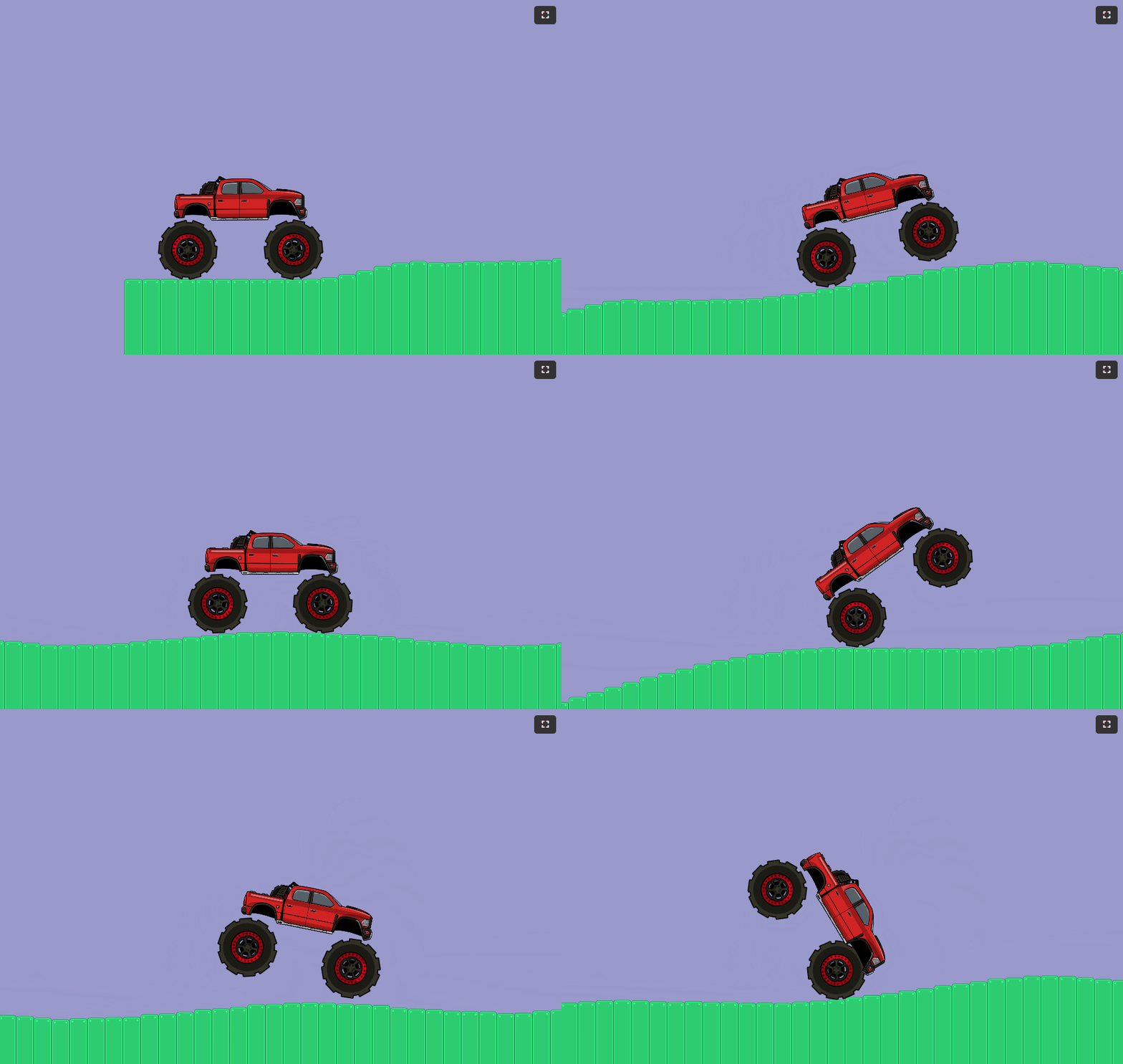
A physics engine is only as fun as what you can build with it, so the last few releases have been almost entirely about connecting bodies together:
- Revolute joints (hinges) let two bodies
rotate around a shared point - see them swinging a wrecking ball in the
Wrecking Ball demo
, or keeping time in a classicNewton's Cradle
. - Prismatic joints (sliders) constrain motion to a single axis, perfect for pistons, elevators, and sliding doors.
- Linear springs and dampers add soft, bouncy connections between bodies.
- Torque and angular-velocity motors apply continuous rotational force to a body.
Put them all together and you get things like the
Car demo
: a car with motorized wheels, suspension, and a body all held together with joints, driving over procedurally generated terrain.
Terrain to build worlds on
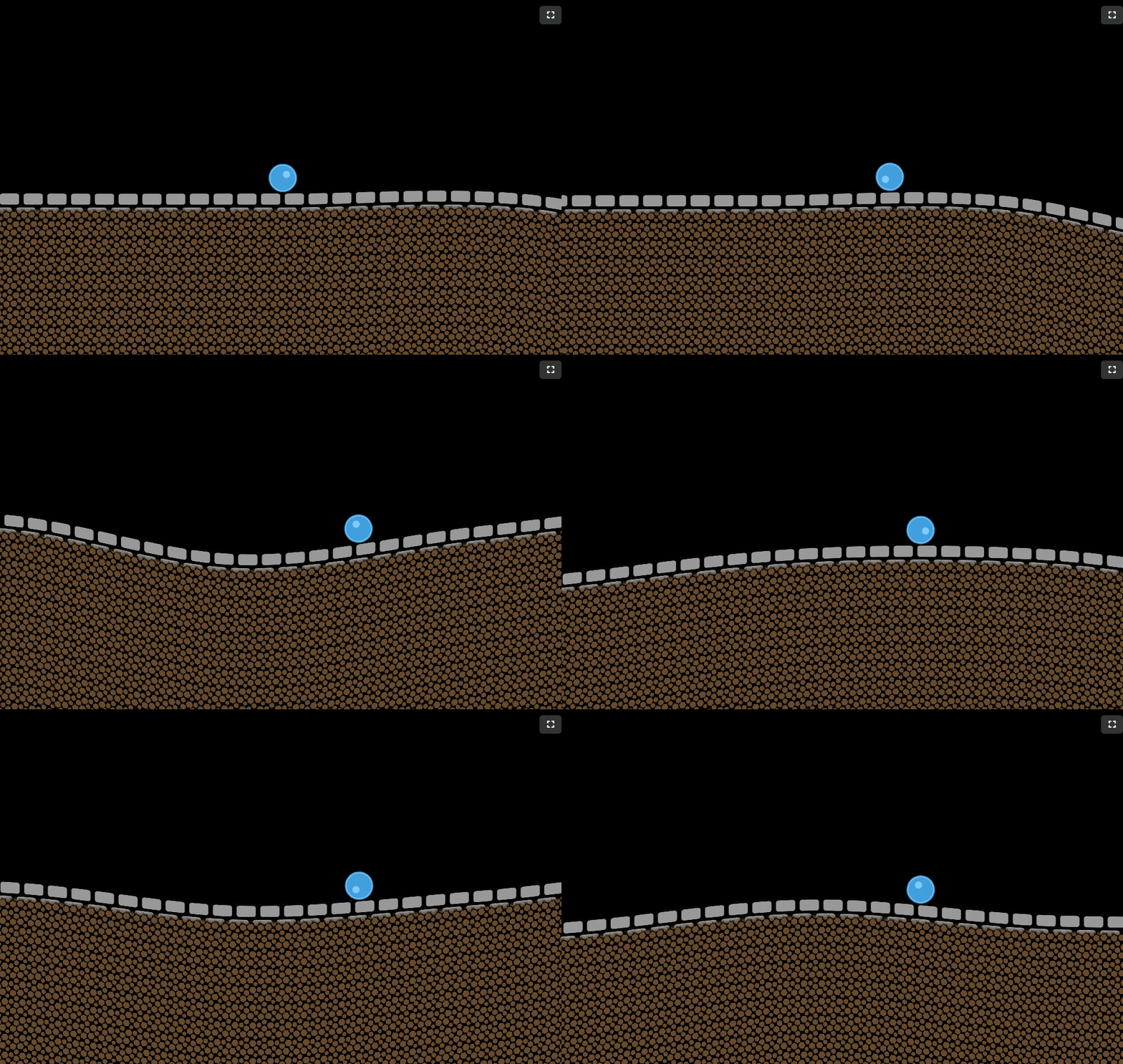
Speaking of terrain - TerrainShape gives you 2D heightmap collision that
matches a smooth, curved render mesh point-for-point, so what the player sees
is exactly what they collide with. That render mesh textures itself too: two
independently-tileable layers - a "border" texture near the surface blending
into a "fill" texture below it (grass fading into dirt, for example) - so a
terrain shape never needs a hand-authored texture of its own. The
Rolling Ball demo
shows a ball rolling over rolling hills built entirely from this new shape.
Crisp borders at any size with nine-slice sprites
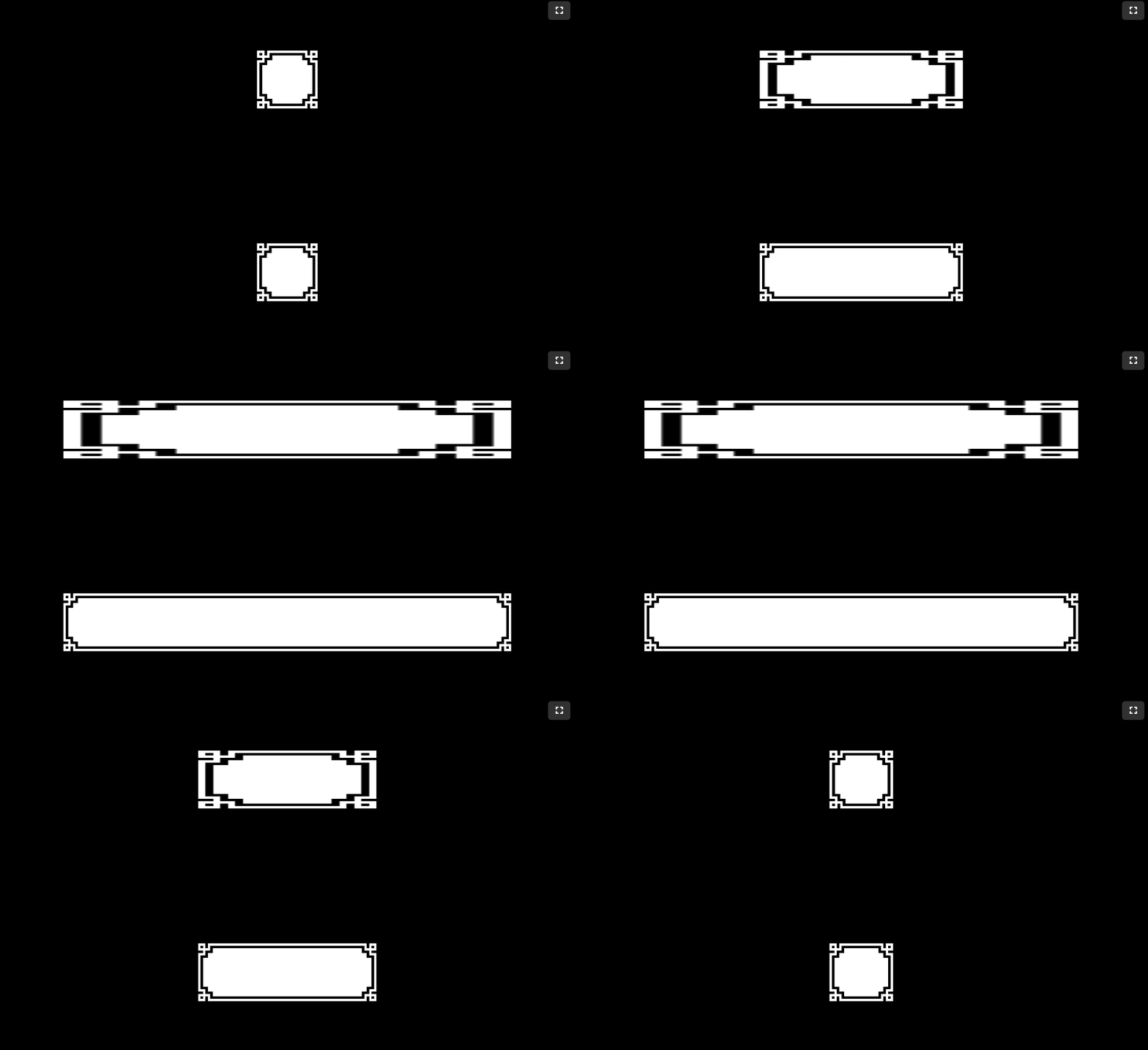
Sprites no longer have to choose between stretching blurrily or being locked to one size. Nine-slice sprites split an image into a 3x3 grid and scale only the stretchable middle regions, keeping corners and edges pixel-perfect at any dimension - see it in the dedicated
Nine-Slice Sprites demo
.
A full UI system is still a ways off for Forge, but nine-slicing is one of the foundational building blocks it'll need - scalable buttons and panels being the most obvious use case once that lands.
Multi-pass rendering, bloom, and blur
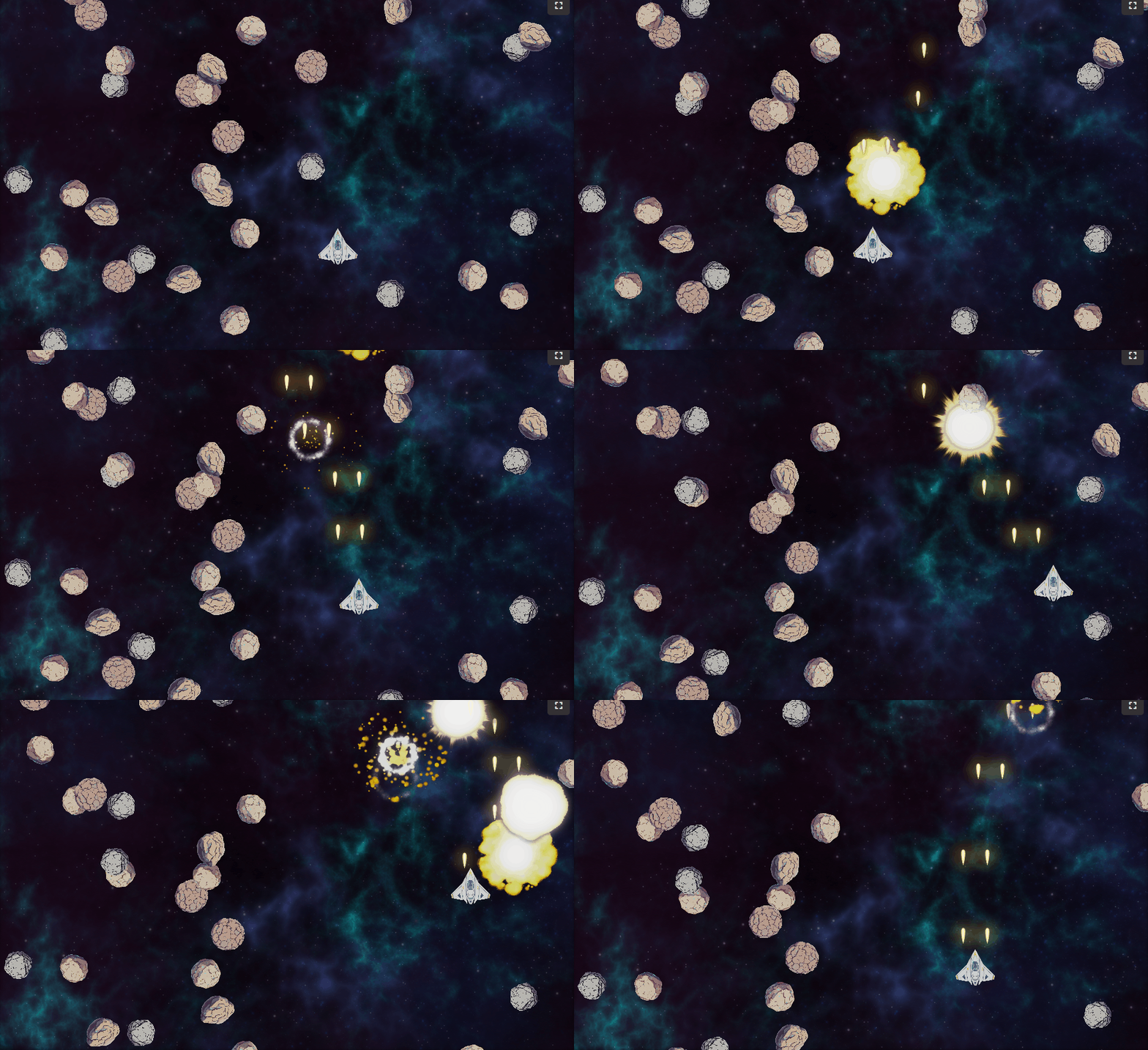
Cameras can now render into an off-screen texture instead of straight to the canvas, via a render target and a present pass that blits it back - the foundation any full-frame effect needs. Building on that, a two-pass separable Gaussian blur and an additive-glow bloom effect are both built directly on top of it, backed by an
HDR render target and tone-mapping
pipeline so bloom reacts to true HDR brightness instead of clipping at an 8-bit ceiling. Render targets can also be layered, so only part of a scene picks up an effect while the rest renders untouched - the
Space Shooter demo
blurs its starfield background while bloom glows only the foreground ships and lasers.
A camera that behaves the same everywhere
Before this, a world unit was just a pixel: one unit always rendered as one pixel, no matter the canvas size. That left every scene to work out its own resolution-dependent ratio to size and position anything relative to the screen - and it was a recurring source of bugs, with demos playing differently depending on the resolution they ran at.
Cameras now show a fixed number of vertical world units
(verticalWorldUnits, default 10) on screen regardless of resolution or
aspect ratio, so the same scene renders at the same relative scale
everywhere. A new calculateVisibleWorldSize helper computes exactly how
many world units are visible at any destination size, so game logic can
position things relative to what's actually on screen instead of reaching
for canvas pixel dimensions or hand-rolling its own ratio math.
Many more smaller improvements
GamepadInputSourcenow supports hot-plugging - plug in a controller mid-game and it's picked up automatically, with the most recently connected gamepad selected by default. Try it out with a controller in the Brick Breaker demo.createImageSpritetakes apixelatedoption: nearest-neighbor filtering for crisp, blocky pixel-art scaling, versus the default linear filtering suited to rasterized/hand-drawn art.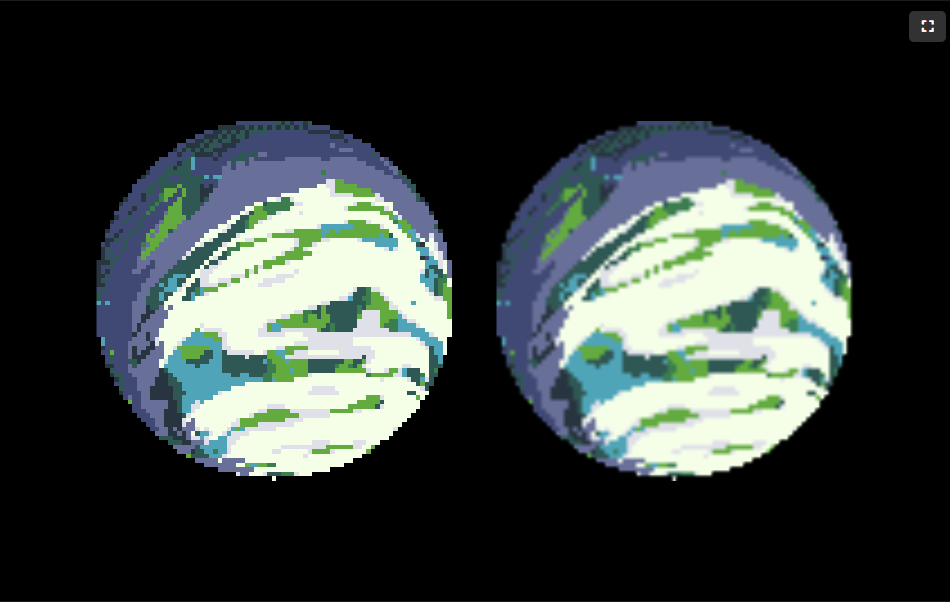
- Demos can now go fullscreen.
- A new
preserveDrawingBufferoption oncreateRenderContext/RenderContextlets you read the canvas back after a frame has been presented - handy for screenshots ortoDataURL. - Mouse-driven trigger actions now correctly respect the active input group, matching how keyboard and every other input type already behaved.
Try it out
All of this is available today - the work landed in 0.21.0 through 0.24.0 Grab the
Getting Started guide
to add Forge to your project, or jump straight into the
demos
to see it all in motion. For the full list of changes, release by release, see the
changelog
.
We're excited about where the physics engine is headed next - if you build something with it, we'd love to know!